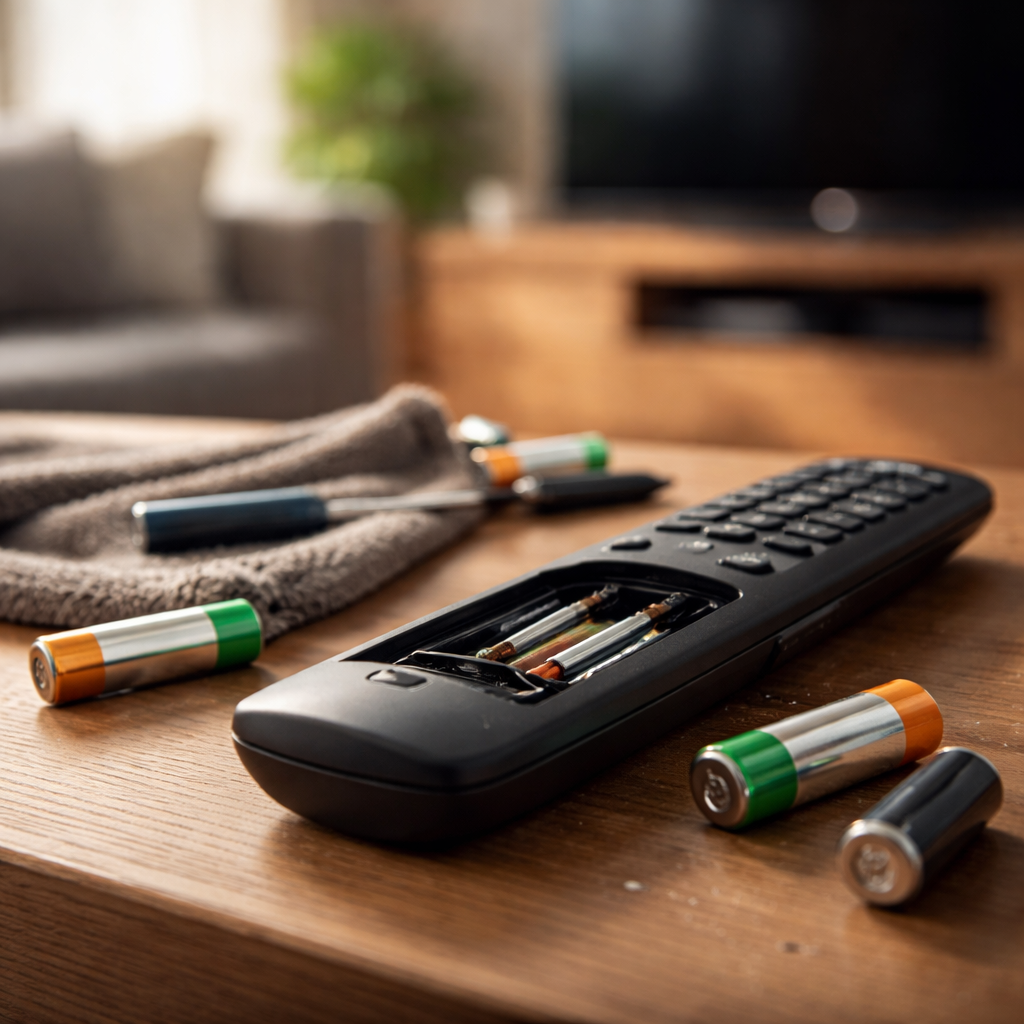
You press the button, nothing happens — and suddenly a simple evening in front of the TV turns into a minor frustration. Remote control not working is one of those everyday problems that seems trivial until it actually happens to you. Before you start blaming the device or rushing to buy a replacement, it’s worth knowing that the vast majority of remote control failures have simple, fixable causes that take less than five minutes to solve.
Why remotes fail more often than you’d think
A remote control is a surprisingly simple device — it sends infrared signals to a receiver on your TV, set-top box, or any other appliance. Yet despite that simplicity, there are multiple points where things can go wrong. The problem is rarely the remote itself. More often, it’s something between the remote and the device it’s supposed to control.
Infrared technology, which most household remotes still use, requires a clear line of sight between the remote and the receiver. Dust on the IR emitter, a piece of furniture blocking the signal path, or even bright sunlight hitting the sensor can silently kill the connection without any obvious sign.
Start with the obvious — batteries
It sounds almost too simple, but weak or incorrectly inserted batteries account for a huge share of remote malfunctions. A battery that still has some charge left might power the remote’s LED indicator light while not delivering enough current to actually transmit a signal. That’s why the remote can look “on” but do absolutely nothing.
A remote that powers its indicator light isn’t necessarily transmitting a signal strong enough to reach your device. Battery voltage drops unevenly — the remote is often the first thing to stop working as power fades.
When checking batteries, don’t just swap them out — clean the battery contacts inside the compartment with a dry cloth or a cotton swab. Corrosion on those small metal contacts is one of the most overlooked causes of poor connectivity.
A quick diagnostic checklist before anything else
Running through this list takes under two minutes and covers the most common culprits:
- Replace the batteries with fresh ones, even if the current ones seem fine
- Check that the batteries are inserted in the correct orientation (+ and − markings)
- Clean the IR emitter on the front of the remote with a soft cloth
- Wipe the IR receiver on the TV or device — it’s usually a small dark window near the power button
- Remove any objects between the remote and the device
- Turn off strong ambient lighting or direct sunlight hitting the receiver
- Try using the remote from a closer distance and a more direct angle
If none of these steps restore function, the issue likely lies deeper — but it’s still very much solvable without professional help.
Testing whether your remote actually sends a signal
Here’s a practical trick that works with any smartphone that has a front-facing camera — most front cameras don’t have an IR filter, unlike rear cameras. Open your phone’s camera app, point the remote directly at the lens, and press any button. If the remote is working, you’ll see a faint purple or white light flash on your screen. If you see nothing at all, the remote is either out of battery or the IR emitter is damaged.
| Test result | What it likely means | Next step |
|---|---|---|
| Light visible on camera screen | Remote is transmitting — problem is with the device or receiver | Check device settings, reset the appliance |
| No light at all | Remote is not sending a signal | Replace batteries or inspect the IR emitter |
| Weak or intermittent light | Low battery or dirty emitter | Replace batteries, clean the emitter lens |
When the remote works but the device doesn’t respond
If your camera test confirms the remote is transmitting, the problem shifts to the receiving end. The device’s IR sensor might be dirty, damaged, or temporarily frozen. A full power cycle — unplugging the device from the wall for 30 seconds, not just putting it in standby — resolves a surprising number of these cases. Electronics can enter unresponsive states that only a hard reset can clear.
It’s also worth checking whether the remote is still paired with the device. Smart TVs and streaming devices like Roku, Fire TV, or Apple TV use Bluetooth or RF signals in addition to infrared — and these connections occasionally drop. Re-pairing the remote is usually done by holding a specific button combination, which varies by brand and model.
Sticky buttons, liquid damage, and physical wear
Physical issues are another category entirely. A button that’s stuck in the pressed position will continuously send a signal that jams the remote’s ability to respond to any other input. If one button on the keypad feels tacky or doesn’t spring back properly, that single stuck key might be why nothing else works.
Liquid spills — even minor ones — leave behind residue that creates short circuits between button contacts. If a remote started acting up after a spill, the fix involves opening the casing, cleaning the rubber button membrane and the circuit board with isopropyl alcohol, and letting everything dry completely before reassembling.
Isopropyl alcohol at 90% concentration or higher is safe for electronics and evaporates quickly. It’s one of the most useful things to keep around for small device repairs.
Universal remotes and smartphone apps as a backup
If the original remote is beyond saving, you have two practical alternatives. Universal remotes are widely available and inexpensive — they can be programmed to control almost any TV or media device using manufacturer codes. The setup takes a few minutes and the result is often a more durable, longer-lasting replacement.
Alternatively, many modern TVs support control through a dedicated manufacturer app — Samsung SmartThings, LG ThinQ, Sony TV SideView, and similar apps can replicate every function of a physical remote as long as your phone and the TV are on the same Wi-Fi network. This is especially useful as a temporary solution while you sort out the original remote.
The fix is almost always simpler than it seems
Remote control issues rarely require a technician or a new purchase. In most cases, a fresh set of batteries, a quick clean, or a device restart is all it takes to get everything working again. Taking five minutes to work through the basics — starting with the battery check and the camera test — will resolve the problem in the majority of situations. And if the remote does turn out to be genuinely broken, the alternatives are affordable and easy to set up. Either way, you’re not stuck.