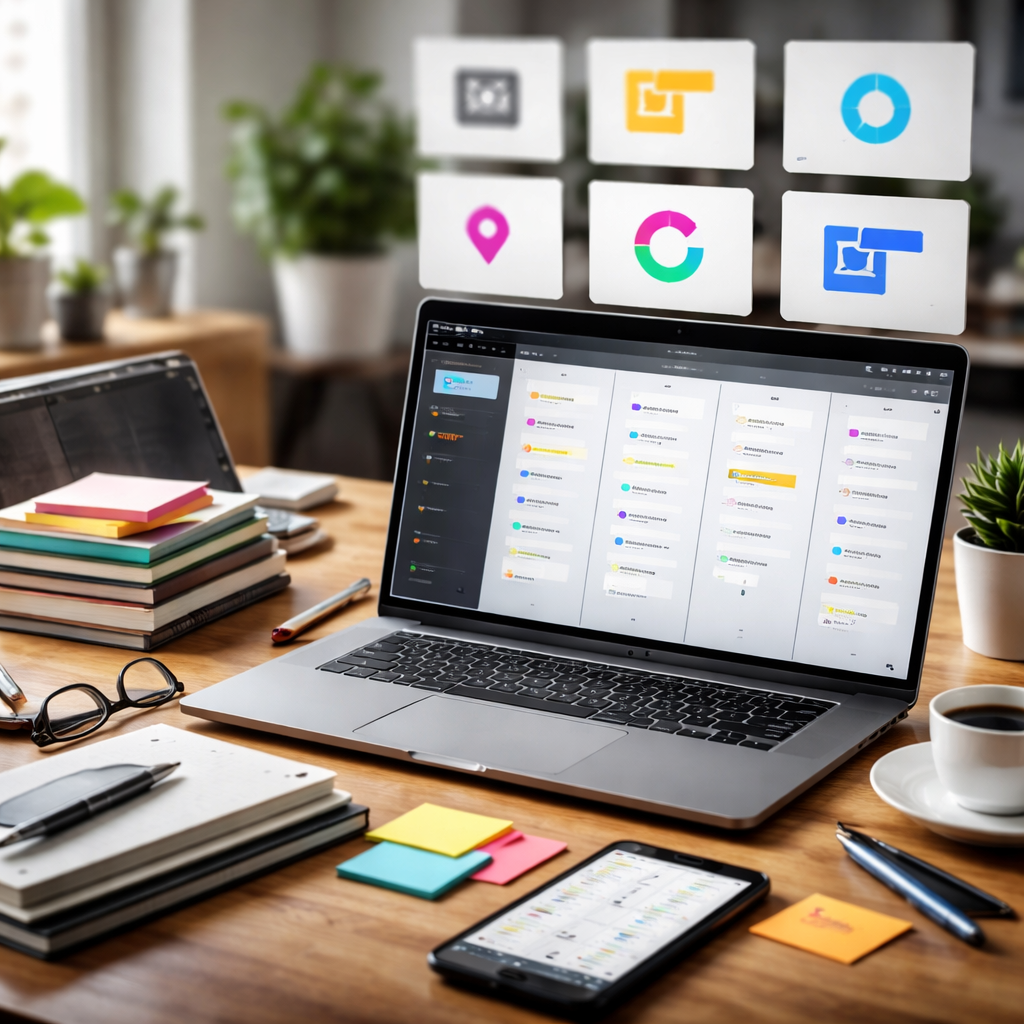
Most teams outgrow Trello somewhere between their third board and their fifteenth label color — and that’s exactly when searching for a solid alternative to Trello starts to feel less optional and more urgent. The good news is that the project management space has expanded dramatically, and what’s out there today goes well beyond sticky notes on a digital wall.
Why people leave Trello in the first place
Trello’s Kanban-based interface is genuinely elegant for simple task tracking. But as projects grow in complexity — with dependencies, reporting needs, multiple teams, or time-tracking requirements — its limitations become harder to ignore. Common pain points include the lack of built-in timeline views in the free tier, limited automation without Power-Ups, and the feeling that everything important is buried under layers of cards and lists.
None of this means Trello is bad. It means it was built with a specific use case in mind, and not every team fits that case forever.
Tools worth considering — and what makes each one different
The following tools aren’t just “also Kanban boards.” Each one takes a distinct approach to how work gets organized, tracked, and communicated.
| Tool | Best for | Key differentiator |
|---|---|---|
| Notion | Teams that mix docs and tasks | Flexible database system, wiki-like structure |
| Asana | Mid-size teams with structured workflows | Timeline, workload management, goal tracking |
| ClickUp | Teams wanting everything in one place | Highly customizable views and automations |
| Monday.com | Visual project tracking | Strong reporting and dashboard features |
| Linear | Product and engineering teams | Speed-focused UI, GitHub integration |
| Basecamp | Remote-first small businesses | Flat pricing, all-in-one communication |
Notion: when your tasks need context
Notion sits somewhere between a project management tool and a knowledge base. Its real strength is that a single workspace can hold your meeting notes, project roadmap, task list, and client documentation — all linked together. Teams that rely heavily on written context around their work tend to find it a more natural fit than a pure task board.
The learning curve is real, though. Notion rewards those who invest time in setting it up thoughtfully, and it can feel overwhelming for someone who just wants to move cards across columns.
The best project management tool is the one your team will actually use consistently — not the one with the longest feature list.
Asana and ClickUp: structured flexibility
Asana is often described as the grown-up version of task management. It handles dependencies, milestones, and team workload in a way that Trello simply doesn’t. For teams running multiple parallel projects with clear deadlines and accountability structures, Asana’s timeline view alone can change how work gets planned.
ClickUp takes a different angle — it’s trying to replace not just Trello, but every other tool in your stack. The number of features is staggering, which is both its biggest selling point and its most common criticism. Teams that take the time to configure it properly often become deeply loyal users. Teams that don’t can find themselves lost in settings menus.
Linear and Basecamp: tools with a clear point of view
Linear has become a favorite among product and engineering teams because it doesn’t try to be everything. It’s fast, opinionated, and built around the idea that issue tracking should feel effortless. The keyboard-first design and tight integration with GitHub and GitLab make it genuinely pleasant to use for developers who hate context-switching.
Basecamp, meanwhile, is one of the few tools that charges a flat fee regardless of team size — a pricing model that becomes increasingly attractive as teams grow. It bundles messaging, file storage, task lists, and scheduling into one interface, and its philosophy of keeping work calm and asynchronous resonates strongly with remote teams.
How to choose without getting stuck in tool paralysis
The number of options available today can make the decision feel harder than the problem it’s solving. A few honest questions tend to cut through the noise:
- Does your team primarily track tasks, or do they also need to store and share documents alongside them?
- How important is visual reporting and progress tracking to stakeholders or clients?
- Does your workflow rely on recurring tasks, dependencies, or time estimates?
- What does your current stack look like, and how much integration work are you willing to do?
- Is your team technical enough to enjoy configuring a flexible tool, or do they need something that works out of the box?
Answering these honestly narrows the field quickly. A small creative agency with three people has very different needs than a 40-person SaaS company managing a product roadmap.
The one thing every switch has in common
Regardless of which tool you land on, the transition itself matters as much as the choice. Moving from one system to another without a clear migration plan — deciding what to carry over, what to archive, and how the new tool will be structured — is where most teams run into friction. The tool rarely fails people. The lack of setup intentionality does.
Give the new system a fair runway. Expect a dip in productivity during the first couple of weeks as people adjust. And resist the urge to keep the old system running in parallel “just in case” — that’s the fastest way to end up with two incomplete systems instead of one that works.