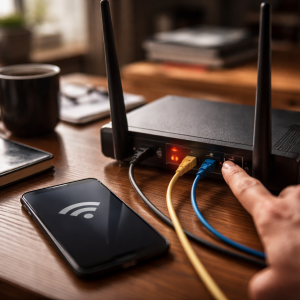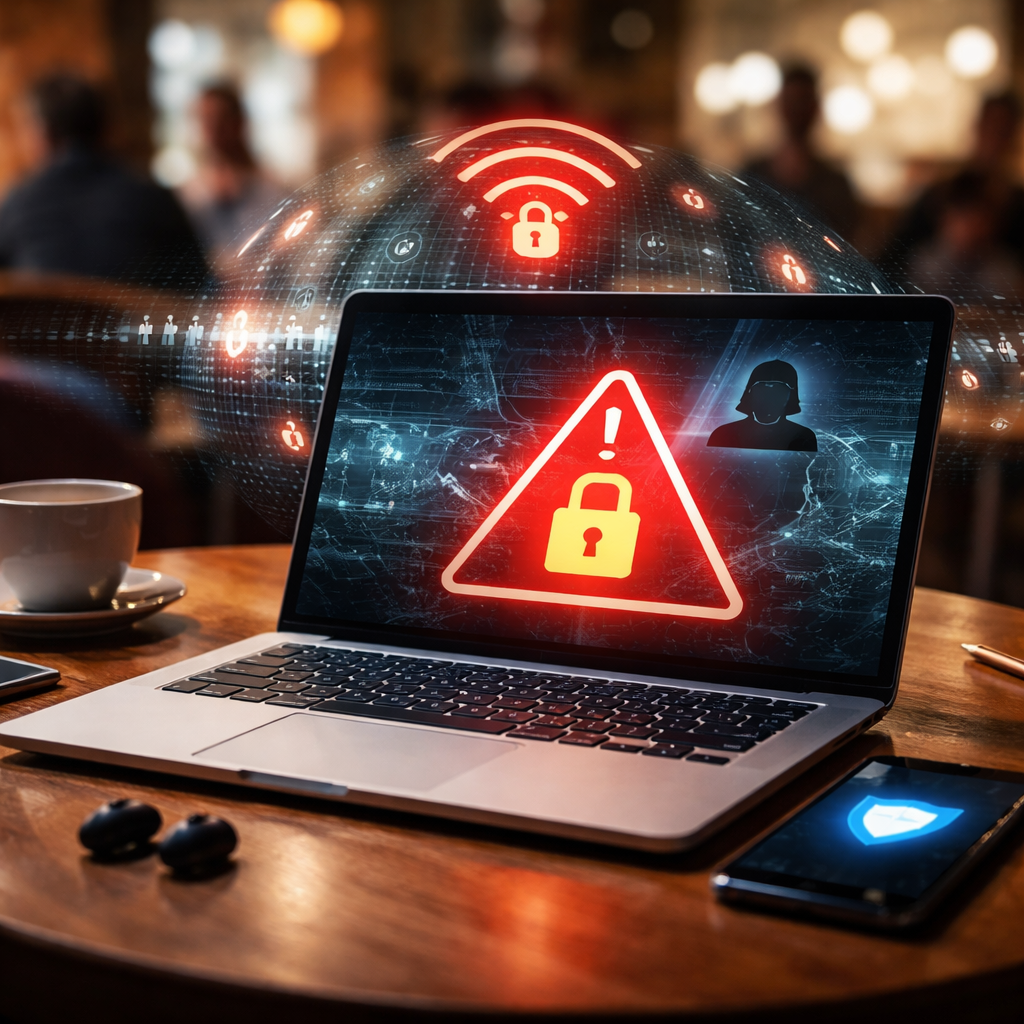
Every time you connect to a coffee shop network or an airport hotspot, a fair question comes to mind: is it safe to use public wifi? The short answer is — it depends entirely on what you do while connected and whether you take any precautions beforehand. Let’s break down the actual risks, separate myths from real threats, and figure out how to browse without putting your data at risk.
What actually happens when you join an open network
Public wifi networks, by design, don’t require authentication to establish a connection. That convenience is exactly what makes them attractive — and problematic at the same time. When you connect to an open hotspot, your device starts sending and receiving data through a shared channel that anyone nearby can potentially observe.
The most well-documented threat on public networks is a man-in-the-middle attack. This is when a third party secretly intercepts communication between your device and the server you’re trying to reach. It doesn’t require sophisticated hacking skills — there are freely available tools that can do this automatically. Sitting in the same café and running a packet sniffer is enough to capture unencrypted traffic from nearby devices.
Another common scenario is a rogue access point — a fake wifi network set up by an attacker with a name almost identical to a legitimate one. “Airport_Free_WiFi” and “Airport_Free_WiFi_2” look nearly the same to a distracted traveler, but one of them might be controlled by someone collecting login credentials.
The risks that are real vs. the ones that are overstated
Not every public network is a battlefield. The landscape of threats has changed significantly with the widespread adoption of HTTPS. Today, the vast majority of websites encrypt data in transit, which means even if someone intercepts your traffic, they’ll mostly see scrambled content rather than readable text.
That said, encryption isn’t a universal shield. Here’s a realistic breakdown of what’s genuinely dangerous and what’s less of a concern:
| Threat | Risk level on public wifi | Notes |
|---|---|---|
| Intercepting login credentials | Medium to high | Only on non-HTTPS sites or poorly configured apps |
| Session hijacking | Medium | Less common since HTTPS adoption increased |
| Rogue hotspots | High | Especially in airports, hotels, tourist areas |
| Malware injection | Low to medium | Possible on unpatched devices or via fake portals |
| Monitoring general browsing history | Low | DNS queries can still reveal visited domains |
The bottom line: using public wifi to read news or watch videos carries minimal risk. Logging into your bank account or entering payment details on an unsecured connection is a different story altogether.
Practical steps that actually reduce your exposure
Security on public networks isn’t about paranoia — it’s about simple habits. Most incidents happen not because someone was specifically targeted, but because an opportunity presented itself. Removing that opportunity is usually enough.
Using a VPN on public wifi doesn’t make you invisible, but it does make you a significantly less attractive target than the person sitting next to you with no protection at all.
Here are the most effective measures, starting with the ones that offer the highest protection for the least effort:
- Use a reputable VPN service. A VPN encrypts all traffic between your device and the VPN server, making it nearly impossible to read even if intercepted. This is the single most impactful step you can take.
- Stick to HTTPS websites. Check that the padlock icon is visible in your browser’s address bar. Avoid entering any sensitive data on sites that still use plain HTTP.
- Turn off automatic wifi connection. Your device shouldn’t silently connect to any available network without your approval. Disable the “connect automatically” setting for unknown networks.
- Forget public networks after use. This prevents your device from auto-connecting to networks with the same name in the future — including potential rogue copies.
- Avoid accessing sensitive accounts. Banking, corporate email, and anything involving payment details should wait until you’re on a trusted connection.
- Keep your software updated. Many real-world attacks exploit known vulnerabilities in outdated operating systems or apps, not the wifi itself.
A note on VPNs — what they protect and what they don’t
VPNs are often presented as a cure-all for online security, which is an oversimplification. A VPN protects your data in transit between your device and the VPN server. It doesn’t protect you from phishing sites, malware you download voluntarily, or weak passwords. It also doesn’t make you anonymous — your VPN provider can still see your traffic.
That said, for the specific context of public wifi security, a VPN does exactly what you need it to. It wraps your connection in an encrypted tunnel so that anyone sniffing traffic on the local network sees nothing useful. When choosing a provider, look for one with a clear no-logs policy that has been independently audited.
Devices that often get overlooked
Most people think about their laptop or phone when it comes to wifi security. But tablets, smart TVs in hotel rooms, and even some wearables connect to wifi networks too — often with fewer security controls and less frequent updates. If you’re traveling and connecting multiple devices, each one is a potential entry point.
Mobile hotspot is worth considering as an alternative. Using your phone’s data connection as a personal hotspot eliminates the risks of shared public networks entirely. It’s not always practical due to data limits or roaming costs, but for anything sensitive — a quick transaction, a work login, a document upload — it’s the cleanest solution available.
When the network is the least of your worries
Here’s a perspective that often gets missed: the wifi network itself is rarely the weakest link in the chain. Reused passwords, outdated apps, absent two-factor authentication, and clicking on suspicious links are responsible for far more account compromises than public wifi attacks.
If you use strong, unique passwords for every account (a password manager makes this easy), enable two-factor authentication wherever possible, and keep your devices updated, you’ve already addressed the majority of real-world threats — both on public networks and everywhere else.
Public wifi isn’t the digital equivalent of walking through a minefield. With a basic understanding of how it works and a few deliberate habits, it becomes a perfectly reasonable tool — useful when you need it, manageable when you’re careful.