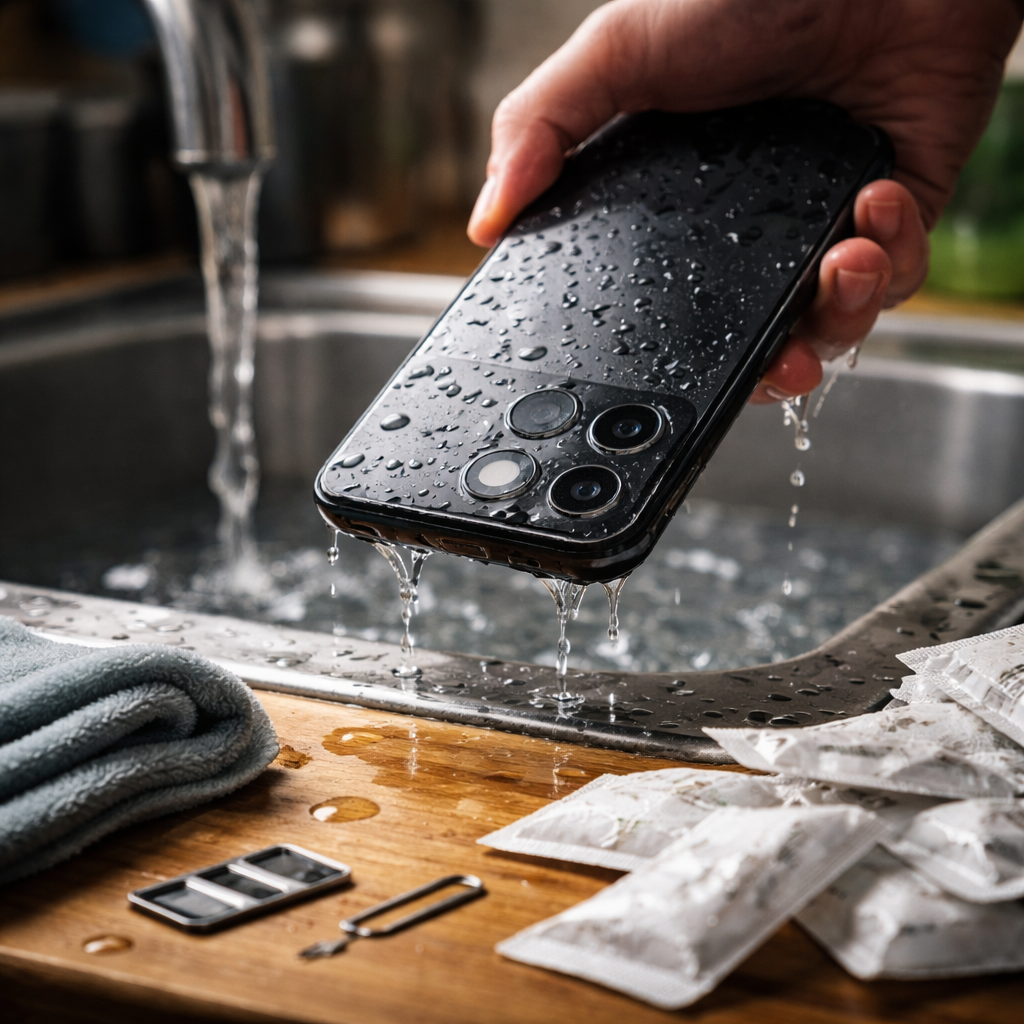
Dropping your phone in water triggers immediate panic — and that reaction is completely understandable, because the next few minutes genuinely matter. Knowing how to fix water damaged phone correctly can be the difference between a full recovery and a permanently dead device. The good news is that modern smartphones are more resilient than most people think, and with the right steps taken in the right order, there is a real chance of saving yours.
Stop doing these things immediately
Before covering what you should do, it is worth addressing the mistakes that cause the most damage. Many people instinctively reach for a hair dryer or throw the phone in a bag of rice. Both of these responses feel logical but can actually make things worse.
Heat from a dryer can warp internal components and push moisture deeper into the circuitry. Rice, despite its reputation, absorbs humidity from the surrounding air rather than moisture trapped inside a sealed device — and the tiny starch particles can clog ports. Equally important: do not press any buttons, do not plug in a charger, and do not try to test whether the screen still works. Electricity moving through wet circuits is the primary cause of corrosion and short circuits.
The first 60 seconds after water exposure
Speed matters here more than almost anything else. As soon as the phone comes out of the water, take these actions without hesitation:
- Power off the device immediately if it is still on — hold the power button and shut it down completely
- Remove the SIM card tray using the ejector tool or a paperclip, which opens a drainage path and protects your SIM data
- If your phone has a removable battery (older Android models), take it out straight away
- Shake the phone gently with the charging port facing downward to help water exit naturally
- Pat the exterior dry with a soft, lint-free cloth — microfiber works well
Do not rub aggressively. The goal at this stage is to remove surface moisture without pushing it further into openings.
What actually works for drying out a wet phone
Once the immediate response is handled, the phone needs time and airflow. The most effective approach is placing the device in a dry environment with good air circulation — not a sealed container.
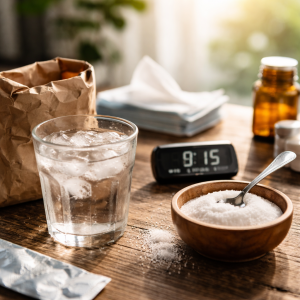
Silica gel packets — the small sachets found in shoe boxes, vitamin bottles, and electronics packaging — are significantly more effective than rice. They are designed specifically to absorb moisture from the air around them and work at a much higher rate.
Collect several silica gel packets, place them in a container along with the phone, and leave it for at least 24 to 48 hours. The longer you can wait, the better. If you do not have silica gel available, placing the phone on a dry surface near a gentle fan in a warm room is a reasonable alternative.
A quick comparison of drying methods
| Method | Effectiveness | Risk level |
|---|---|---|
| Silica gel packets | High | None |
| Fan with open air | Moderate | Very low |
| Uncooked rice | Low | Low (port debris) |
| Hair dryer on heat | Counterproductive | High |
| Direct sunlight | Low to moderate | Moderate (overheating) |
When saltwater or other liquids are involved
Freshwater is far less damaging than saltwater, juice, coffee, or any liquid that contains minerals, sugars, or acids. These substances leave residue behind as they dry, and that residue continues to corrode components even after the liquid itself has evaporated.
If the phone was submerged in anything other than clean fresh water, the situation requires additional care. Technicians who repair water damaged phones often use 99% isopropyl alcohol to rinse the internal board, because it displaces water, dissolves mineral deposits, and evaporates cleanly without leaving residue. This process involves opening the device, which is not something most people should attempt at home without experience.
In these cases, taking the phone to a professional repair shop as quickly as possible — ideally within a few hours — significantly improves the outcome. Describe exactly what happened and what liquid was involved so the technician knows what they are dealing with.
IP ratings and what they actually mean for water exposure
Many current smartphones carry an IP67 or IP68 rating, which leads some users to assume their device is waterproof. It is not — it is water resistant, and there is an important distinction. IP ratings are tested under controlled laboratory conditions with fresh, still water at a specific depth and duration.
Real-world exposure involves variables the rating does not account for: pressure from a fast-moving stream, chlorinated pool water, saltwater from the ocean, or degraded seals from a previous drop. The water resistance of a phone also weakens over time as the gaskets age. So even if your phone technically survived a brief submersion once before, that does not guarantee the same outcome twice.
Practical tip for IP-rated phones
Even if your device has an IP68 rating, follow the same drying protocol after any submersion. Do not charge the phone until you are certain all moisture has left the charging port — most modern phones will actually display a warning if they detect liquid near the port. Trust that warning and wait.
Signs that professional repair is necessary
After waiting the full drying period and powering the phone back on, pay close attention to how it behaves. Some issues resolve on their own once the moisture is gone, while others indicate internal damage that needs professional attention.
- The screen shows discoloration, dead pixels, or flickering lines
- The touch response is erratic or completely unresponsive
- The phone powers on but shuts off randomly
- The camera lens has visible condensation or fogging inside
- Speakers sound distorted or muffled even after drying
- The phone does not power on at all
Any of these symptoms points to corrosion or component failure that a qualified repair technician needs to assess. Ultrasonic cleaning of the logic board and component-level soldering are procedures that can recover phones that appear completely dead — so do not give up on the device without getting a professional opinion first.
Before the next accident happens
One of the most valuable things you can do right now — before water becomes an issue — is back up your phone regularly. Whether through cloud services or a direct connection to your computer, having a current backup means that even in the worst-case scenario where the hardware cannot be saved, your photos, contacts, and data are protected.
A waterproof case is worth considering if you spend time near water, whether at the beach, on a boat, or simply because accidents tend to happen in bathrooms and kitchens. Quality waterproof cases provide a level of protection that far exceeds any built-in IP rating, and they work regardless of how old the device’s gaskets are.
Water damage feels catastrophic in the moment, but the outcome depends almost entirely on how quickly and calmly you respond. The steps are straightforward, the mistakes are avoidable, and in many cases, a phone that seemed beyond rescue turns out to be perfectly fine — just give it time and resist the urge to rush the process.