A single drop of keys on a table, one unlucky slide across a rough surface — and suddenly you’re staring at a mark that seems to ruin everything. If you’ve been searching for how to fix scratched screen, you’re not alone: this is one of the most common frustrations for smartphone, laptop, and tablet users worldwide. The good news is that not every scratch is permanent, and there are real, tested methods that can make a noticeable difference — without spending a fortune at a repair shop.
What kind of scratch are you actually dealing with?
Before reaching for any product or tool, it helps to understand what you’re working with. Screen scratches are not all equal, and the approach that works for one type can be completely useless — or even harmful — for another.
Most modern devices use either tempered glass, Gorilla Glass, or plastic (oleophobic-coated) displays. Each reacts differently to abrasion. A scratch on a glass screen sits on the surface coating, while a deeper gouge may cut through the actual glass layers. Plastic screens, often found on budget phones or older devices, scratch more easily but are also more forgiving when it comes to polishing.
A simple way to assess the damage: run your fingernail gently across the scratch. If your nail catches on it, it’s a physical scratch in the glass or plastic. If it feels smooth and just looks like a mark, it may be a surface coating scratch — which is significantly easier to address.
Methods that actually work — and when to use them
There’s a lot of advice floating around online, and some of it is outright dangerous for your device. The methods below are based on what repair professionals and materials experts actually recommend.
Toothpaste — the classic home remedy
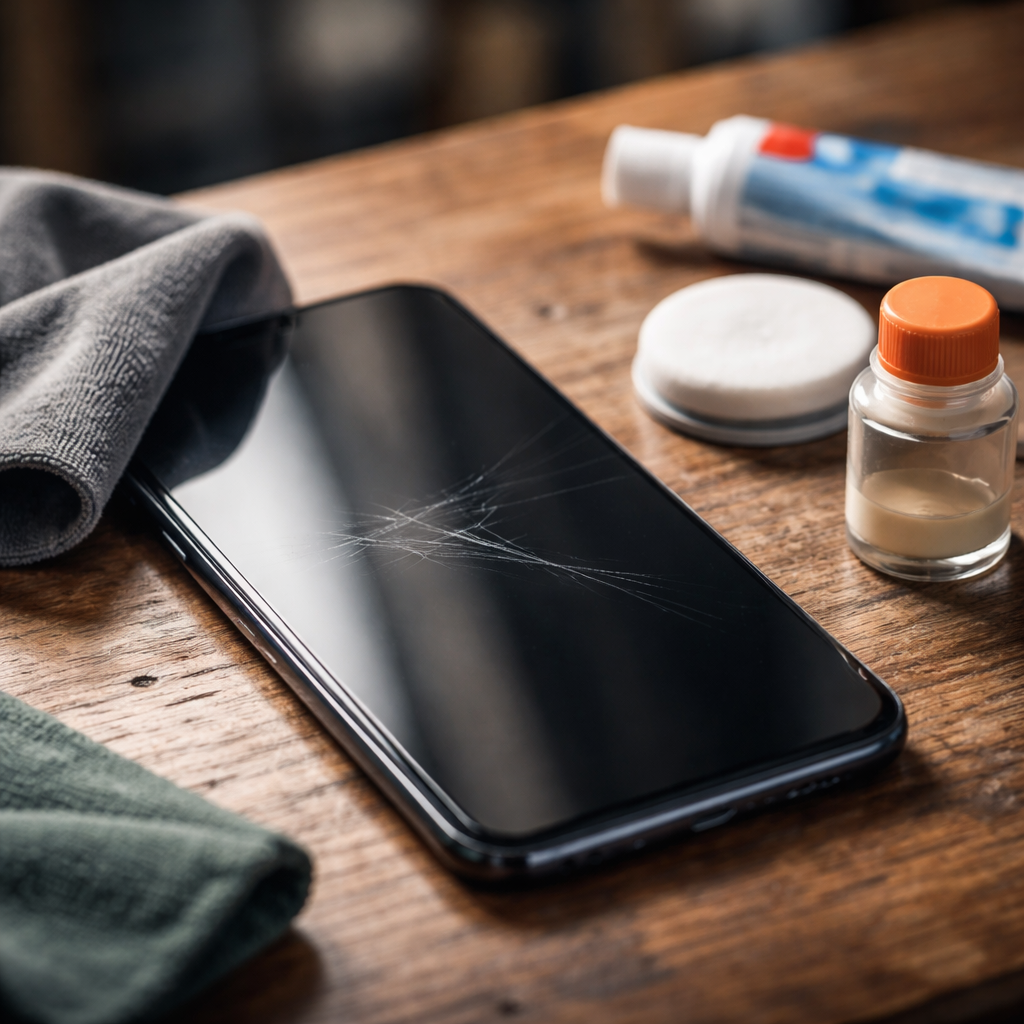
This is probably the most discussed DIY fix, and it does have a real basis: some toothpastes contain mild abrasives that can polish away very shallow surface scratches on plastic screens. The key word here is “mild.” Only use plain white toothpaste — not gel, not whitening formulas with large abrasive particles, and absolutely not anything with added ingredients like charcoal.
Apply a small amount to a soft, lint-free cloth and rub in small circular motions for about 30–60 seconds, then wipe clean. This works only on plastic displays or surface coating marks. Do not use it on glass screens — it will not fix the scratch and may cause further micro-abrasion to the oleophobic layer.
Screen polishing compounds
Products like cerium oxide-based polishes or dedicated screen scratch removers are more effective and safer than toothpaste. Cerium oxide is widely used in optical glass polishing and works by chemically and mechanically smoothing glass surfaces. You can find it in powder or paste form.
Apply the compound with a microfiber cloth using light, consistent pressure in circular motions. Avoid excessive pressure — you’re polishing, not grinding. Keep the area damp and work in short sessions to prevent heat buildup.
This method can visibly reduce or eliminate light-to-moderate scratches on glass screens. It won’t work miracles on deep gouges, but for hairline scratches and shallow marks, results can be impressive.
Screen protector as a visual fix
Sometimes the most practical solution isn’t to remove the scratch but to cover it. A high-quality tempered glass screen protector placed over the damaged display won’t repair the underlying mark, but it will protect the surface from further damage and, in many cases, make the scratch virtually invisible during normal use.
This approach is especially useful when the scratch is cosmetic rather than structural, and when the device is still fully functional. It’s also one of the lowest-risk options — there’s no chance of making the damage worse.
What you should never try
The internet is full of recommendations that sound plausible but can seriously damage your device. Here’s what to avoid:
- Baking soda mixed with water — the particle size is unpredictable and can cause additional scratching on both glass and plastic
- Sandpaper of any grit — even the finest grades are far too aggressive for screen surfaces
- Metal polish (like those for cars or silverware) — these contain compounds not designed for screen coatings and can strip the oleophobic layer entirely
- Rubbing alcohol directly on scratches — while it’s fine for general cleaning, it can degrade anti-reflective and oleophobic coatings over time
- Vegetable oil or petroleum jelly — these temporarily fill the scratch and make it less visible, but they attract dust, interfere with touch sensitivity, and aren’t a real repair
A quick comparison of common approaches
| Method | Works on glass? | Works on plastic? | Risk level | Effectiveness |
|---|---|---|---|---|
| White toothpaste | No | Yes (light scratches) | Low for plastic, medium for glass | Moderate |
| Cerium oxide polish | Yes | Yes | Low | High for surface scratches |
| Screen protector overlay | Yes (cosmetically) | Yes (cosmetically) | Very low | Good for aesthetics |
| Professional screen replacement | Yes | Yes | None (done by technician) | Complete fix |
When a professional repair is the right call
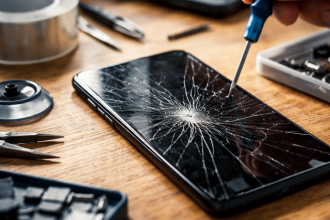
There are situations where no home remedy will help — and trying too hard can make things worse. If the scratch has cracked the glass, if there are pressure spots or dead pixels appearing near the damaged area, or if the touch response has been affected, the screen has structural damage that needs professional attention.
Screen replacement costs vary widely depending on the device brand and model, but in many cases it’s still far cheaper than buying a new device. Authorized service centers will use original components, while independent repair shops often offer faster turnaround at a lower price — though part quality may vary.
It’s also worth checking whether your device is covered by any warranty, insurance, or a manufacturer’s accidental damage program before paying out of pocket.
Keeping your screen safe going forward
Fixing a scratch is satisfying, but preventing the next one is even better. A few habits can dramatically extend the life of your screen:
- Always keep your phone in a separate pocket or compartment — away from keys, coins, and other abrasive objects
- Apply a tempered glass screen protector from day one — it takes the damage so your actual display doesn’t have to
- Use a protective case with a slightly raised edge (bezel) around the screen to prevent face-down contact with hard surfaces
- Clean your screen with a dry or slightly damp microfiber cloth — rough paper towels and tissue cause micro-scratches over time
The screen on your device takes a remarkable amount of daily abuse. A little protection goes a long way — and so does knowing which fixes are actually worth trying when damage does happen.