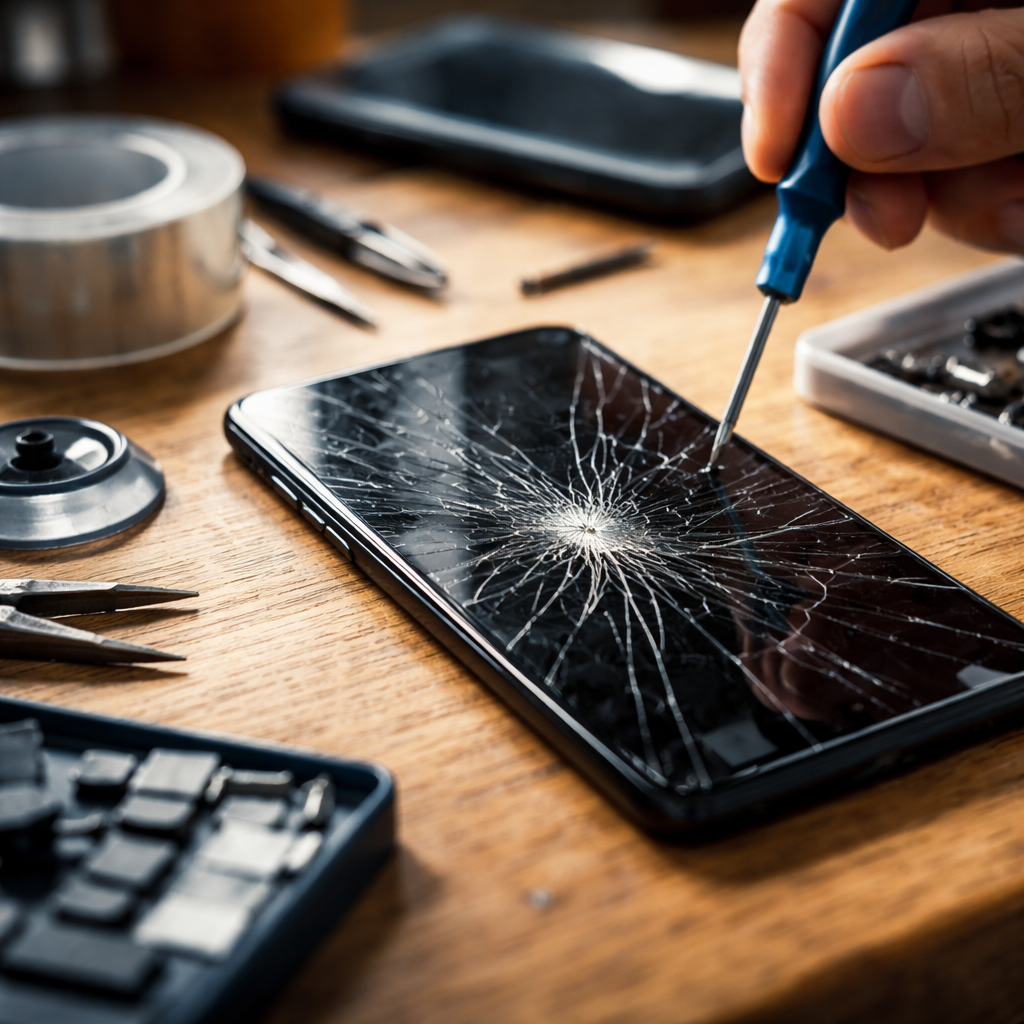
Most people find out how to fix cracked phone screen only after the damage has already happened — and the moment you see that spiderweb of cracks spreading across the display, the first instinct is to panic. But before you rush to the nearest repair shop or start googling replacement costs, it’s worth understanding what your actual options are and which one makes the most sense for your specific situation.
What kind of crack are you actually dealing with?
Not all screen damage is the same, and treating every crack the same way is one of the most common mistakes people make. The repair path you choose should depend entirely on the type and extent of the damage.
- Surface scratch or micro-crack — only the outer glass layer is affected, the display still works perfectly
- Shattered glass with functional display — the touchscreen responds normally but the top glass is broken
- Cracked display with dead pixels or black spots — the LCD or OLED panel underneath is damaged
- Unresponsive touch after drop — digitizer damage, which often requires full screen replacement
Understanding this distinction matters because replacing just the outer glass costs significantly less than replacing the full display assembly. Some repair shops advertise low prices but actually only replace the glass — which can work for minor damage but often leads to issues down the line if the underlying panel was also affected.
Temporary fixes that can buy you time
If professional repair isn’t immediately possible, there are a few short-term steps that can prevent further damage and protect both the phone and your fingers.
Clear packing tape applied over a cracked screen is not a glamorous solution, but it genuinely prevents glass splinters from lifting and keeps debris out of the cracks while you arrange a proper repair.
A tempered glass screen protector placed over existing cracks can also stabilize the damage. It won’t fix the crack visually, but it holds the broken glass in place, reduces the risk of the crack spreading, and keeps the touchscreen usable. This approach works best when the display itself is still functioning properly.
Liquid screen protectors — products that use a silicon dioxide coating applied directly to the glass — are sometimes marketed as crack fillers. In reality, they work well as protective layers on intact screens but cannot reverse existing cracks or restore structural integrity to broken glass. Managing expectations here is important.
DIY screen repair: when it makes sense and when it doesn’t
The idea of replacing a phone screen yourself has become more approachable in recent years, especially with the availability of repair kits, instructional videos, and parts on platforms like iFixit. But it’s not the right move for everyone, and being honest about that upfront saves both money and further damage.
| Situation | DIY feasibility |
|---|---|
| Older Android phone with modular design | Generally manageable with the right tools |
| Mid-range phone with glued display | Possible but requires heat gun and patience |
| Flagship phone with curved OLED screen | High risk — professional repair strongly recommended |
| Phone still under warranty or covered by insurance | DIY repair will void warranty — check coverage first |
If you do go the DIY route, always use quality replacement parts from verified suppliers. Cheap third-party screens often have noticeably worse color accuracy, lower brightness, and reduced touch sensitivity — issues that become obvious the moment you start using the phone after repair.
Professional repair options compared
For most people, going to a professional is the most reliable path — but not all professional repair services are equal. Knowing the difference helps you make a smarter choice.
- Manufacturer service centers (Apple, Samsung, etc.) — use original parts, maintain warranty, but tend to be the most expensive option
- Authorized third-party repair shops — often certified by the manufacturer, use OEM-compatible parts, good middle ground on price and quality
- Independent local repair shops — pricing varies widely, quality depends entirely on the technician’s skill and the parts they source
- Mail-in repair services — convenient for less common phone models, but adds time and involves shipping risk
Before committing to any service, ask specifically what parts they use, whether the repair comes with a warranty, and whether the water resistance seal will be restored after the screen replacement. On phones with an IP rating, opening the device often compromises that seal — reputable shops will address this; others may not mention it at all.
Insurance and warranty coverage worth checking
A lot of people forget they already have coverage for exactly this kind of damage. Before spending anything out of pocket, it’s worth a quick check.
Many credit cards that were used to purchase the phone offer accidental damage protection as a built-in benefit — a feature that goes unclaimed simply because cardholders don’t know it exists.
Manufacturer warranties typically don’t cover accidental damage, but AppleCare+, Samsung Care+, and similar programs do — often for a relatively low service fee per incident. Mobile carrier insurance plans are another option, though they sometimes require monthly premiums and have claim limits. Home contents insurance policies in some countries also cover electronics damage, so checking your existing policy takes two minutes and could save you a significant amount.
After the repair: protecting what you just paid for
Getting the screen fixed is only half the equation. The repair investment deserves some protection, and the steps here are straightforward enough that there’s little reason to skip them.
- Apply a tempered glass screen protector within the first day — it absorbs impact that would otherwise transfer directly to the display glass
- Use a case with raised edges around the screen so that when the phone lands face-down, the case takes the hit rather than the glass
- Avoid placing the phone in the same pocket as keys or coins — repeated micro-scratches weaken glass over time
- Keep the phone out of extreme temperature changes, which can stress the adhesive bond between the glass and frame
None of this is complicated, but the combination of a good case and a screen protector genuinely reduces the likelihood of ending up back in the same situation. Drops are inevitable — what changes is how much damage they actually cause.