Most people assume that deleting a social media profile is complicated, but if you want to know how to delete Instagram account permanently, the process is more straightforward than it might seem — it just requires knowing exactly where to look and what to expect along the way.
Before you make this decision: what you’ll actually lose
Permanent deletion is irreversible. Once the process is complete, your photos, videos, stories, saved collections, followers, and direct messages will be gone for good. Instagram does offer a grace period of up to 30 days during which you can log back in and cancel the deletion — but after that window closes, recovery is not possible.
If you’re not entirely sure about leaving forever, there’s a middle-ground option worth considering: temporarily disabling your account. This hides your profile and content without deleting anything. You can reactivate it at any time simply by logging back in.
| Action | What happens to your data | Can you undo it? |
|---|---|---|
| Deactivate account | Profile is hidden, data is preserved | Yes, anytime |
| Delete account permanently | All data is removed after 30 days | Only within 30-day window |
Step-by-step: how to permanently remove your Instagram account
Instagram does not allow you to delete your account directly from within the mobile app. You’ll need to use a web browser — either on desktop or mobile — or access the specific settings section that leads to account deletion. Here’s how it works:
- Open a browser and go to instagram.com. Log into the account you want to delete.
- Tap or click on your profile icon in the top right corner, then go to Settings.
- Navigate to Accounts Center — this is Meta’s unified settings hub for Facebook and Instagram.
- Select Personal details, then scroll down to Account ownership and control.
- Choose Deactivation or deletion, then select your Instagram account.
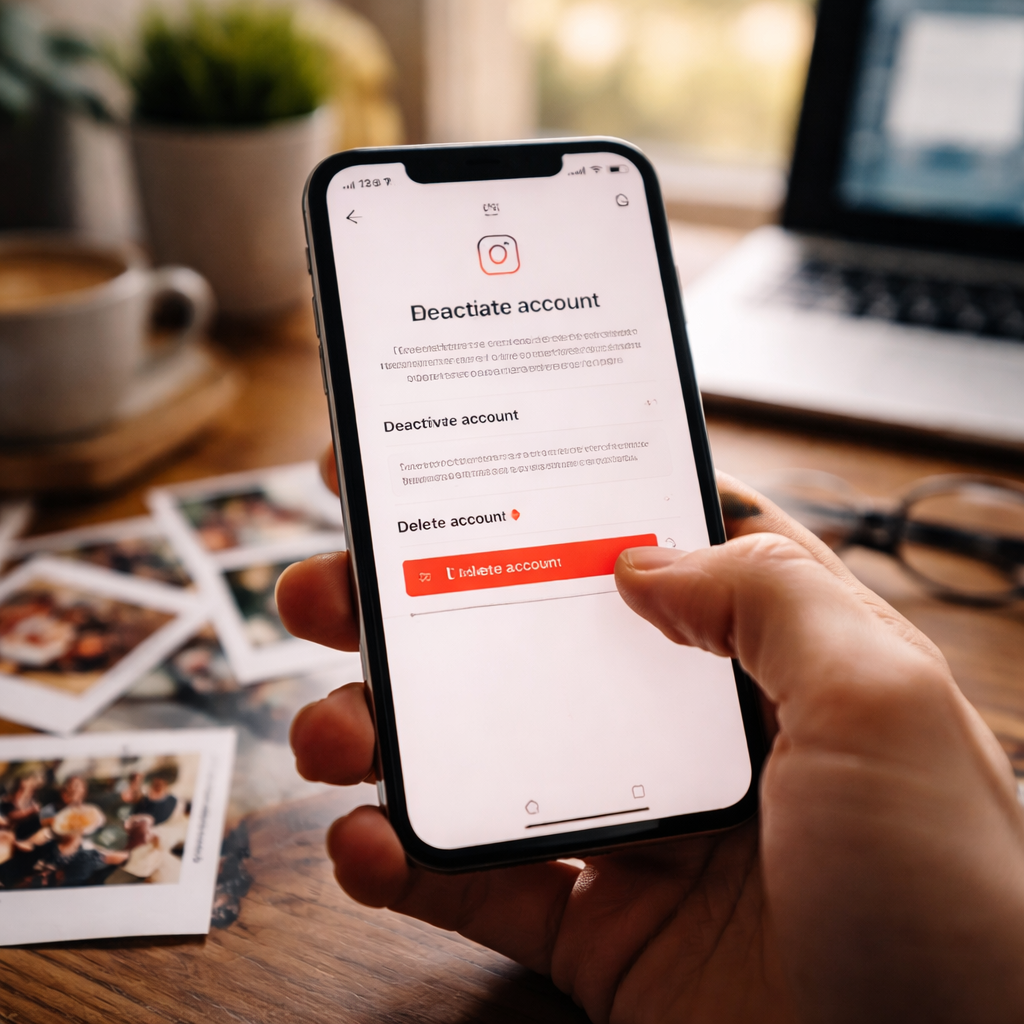
- Pick Delete account and follow the on-screen prompts. You’ll be asked to confirm your password and select a reason for leaving.
- Confirm your choice. Instagram will schedule the deletion to begin after a 30-day period.
During those 30 days, avoid logging back in if you’re certain about your decision — any sign-in activity may pause or cancel the deletion process.
What to do before you hit that final button
It’s worth taking a few minutes to prepare before closing your account. Many users regret not backing up their content beforehand — Instagram actually makes this fairly easy.
To download your data, go to Settings, then Your activity, and look for the Download your information option. You can request a copy of your photos, videos, messages, and account details. Instagram will prepare a file and send you a download link.
Common issues people run into
A few things tend to catch people off guard during this process. Here are the most frequent stumbling blocks:
- The deletion option isn’t visible in the app — remember, it’s only accessible via browser.
- Accounts connected to a Facebook profile may require you to navigate through Accounts Center rather than direct Instagram settings.
- If you’ve forgotten your password, you’ll need to reset it before you can confirm the deletion.
- Business accounts with active Meta ad campaigns may need to pause or close those campaigns separately before the account can be deleted.
Your username doesn’t disappear immediately
One thing that surprises many people: even after your account is deleted, your username won’t become available to others right away. Instagram holds onto usernames for a period of time after account removal. So if your goal is to free up a specific handle for someone else, keep in mind there will be a delay before that happens.
When walking away is the right call
Whether you’re stepping back for mental health reasons, privacy concerns, or simply a shift in priorities, permanently removing your account is a valid and supported choice. The platform won’t make it impossible — just deliberate. The 30-day window exists precisely so that no one acts impulsively and ends up regretting it.
Take your time, back up anything that matters, disconnect linked apps, and then go through the steps with confidence. Once those 30 days pass, the decision is final — and for a lot of people, that finality is exactly what they were looking for.