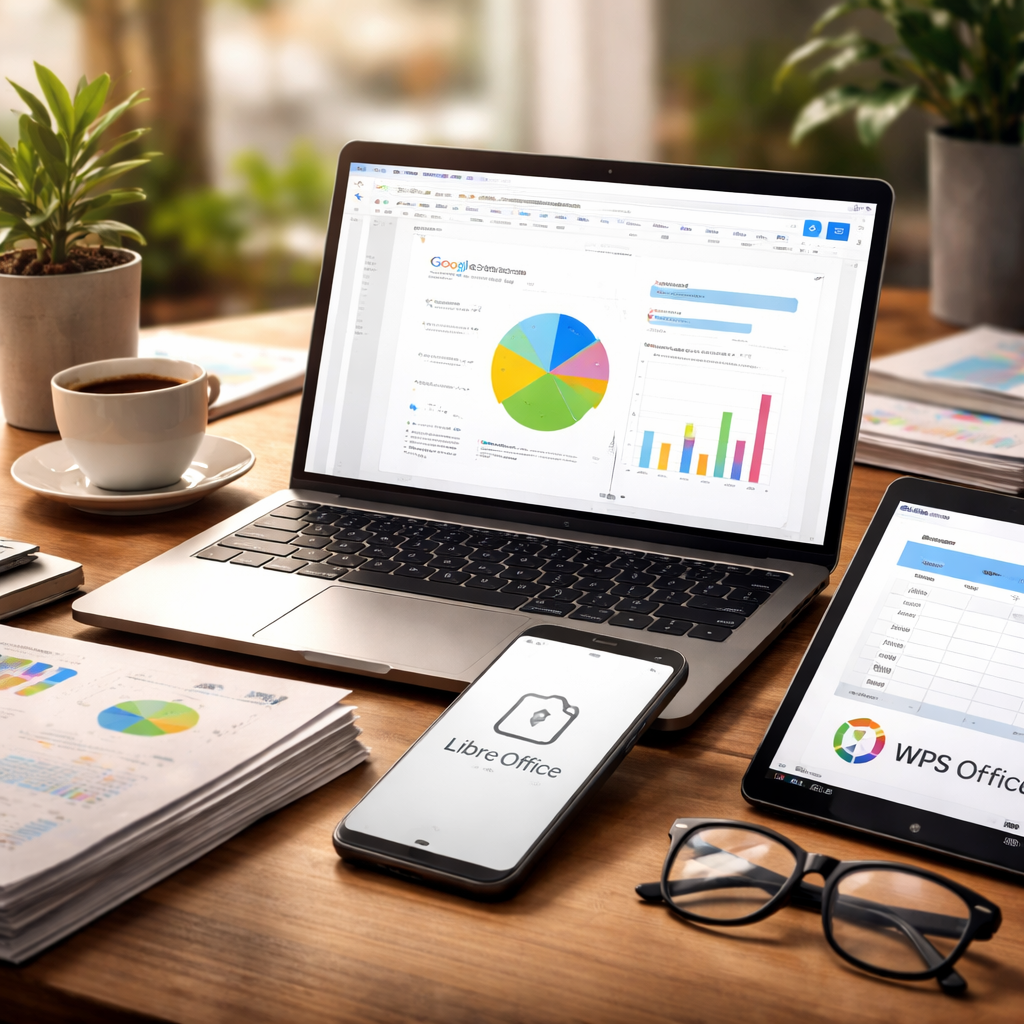
Paying for a full office suite when free or cheaper alternatives do the same job just as well is one of those habits worth reconsidering. The search for a reliable alternative to Microsoft Office has never been more rewarding — the market is full of capable tools that handle documents, spreadsheets, and presentations without the steep subscription cost or the bloated feature sets most people never touch.
Why people are moving away from Microsoft Office
Microsoft Office has been the workplace standard for decades, and for good reason — it is powerful, widely supported, and deeply integrated into corporate workflows. But the subscription model has changed the conversation. Many individuals, freelancers, small business owners, and students are asking themselves whether the cost is actually justified for their level of use. In most cases, it simply is not.
Beyond pricing, there are practical concerns around file storage, cross-device access, and collaboration features. Cloud-based tools have matured significantly, and the gap between Microsoft’s offering and its competitors has narrowed to the point where most everyday users would struggle to notice a difference in day-to-day work.
The most capable alternatives worth knowing about
Not all alternatives are created equal, and the right choice depends heavily on how you work, what you need, and whether you prefer working in a browser or on a desktop application. Here is an honest look at the main options.
Google Workspace (Docs, Sheets, Slides)
Google’s suite of productivity tools is probably the most widely adopted Microsoft Office replacement in the world. It runs entirely in the browser, requires no installation, and saves everything automatically to Google Drive. Real-time collaboration is genuinely excellent — multiple people can edit the same document simultaneously, with changes visible instantly and a full revision history available at any time.
The free tier is generous for personal use. For businesses, Google Workspace offers paid plans that add custom email domains, more storage, and administrative controls. One honest limitation: if you work with heavily formatted Word or Excel files, some formatting may shift when opening them in Google Docs or Sheets. For most tasks, this is a minor inconvenience rather than a dealbreaker.
LibreOffice
LibreOffice is the gold standard among desktop-based free office suites. It is open-source, available for Windows, macOS, and Linux, and includes a full set of applications: Writer for documents, Calc for spreadsheets, Impress for presentations, and several other tools for drawings and databases.
Compatibility with Microsoft formats (DOCX, XLSX, PPTX) is strong, though complex documents with advanced macros or intricate formatting can sometimes cause issues. For anyone who needs a robust offline office suite without paying anything, LibreOffice is hard to beat.
WPS Office
WPS Office occupies an interesting middle ground. Its interface closely resembles Microsoft Office, which makes the transition easier for users who are used to the ribbon-style layout. It supports cloud storage, mobile apps, and PDF editing tools. The free version is functional, though it does include some advertising. A paid tier removes the ads and unlocks additional features.
OnlyOffice
OnlyOffice is particularly popular in business environments where document compatibility and collaborative editing are priorities. It offers strong support for Microsoft Office formats and can be self-hosted, which is a significant advantage for organizations with data privacy requirements. A free desktop version is available for personal use, and cloud-based plans exist for teams.
The best productivity suite is the one you will actually use consistently — not the one with the most features on paper.
Comparing the options side by side
To make the comparison more practical, here is a straightforward breakdown of what each option offers across the most important criteria.
| Tool | Cost | Works Offline | Real-Time Collaboration | MS Format Support |
|---|---|---|---|---|
| Google Workspace | Free / Paid plans | Limited (with setup) | Excellent | Good |
| LibreOffice | Free | Yes | No built-in feature | Good |
| WPS Office | Free (ads) / Paid | Yes | Limited | Very Good |
| OnlyOffice | Free / Paid plans | Yes | Good | Excellent |
What to think about before switching
Switching productivity tools is rarely as complicated as it sounds, but a few things are worth thinking through before making the move.
- File compatibility: If you regularly exchange files with clients or colleagues who use Microsoft Office, check how well your chosen alternative handles those formats in practice, not just in theory.
- Offline access: Do you often work without an internet connection? Cloud-first tools like Google Docs can work offline with some configuration, but desktop applications like LibreOffice are inherently more reliable in this regard.
- Mobile workflow: If you frequently edit documents on a phone or tablet, check the quality of the mobile apps. Google’s mobile apps are polished and widely used. WPS Office also has capable mobile versions.
- Learning curve: WPS Office will feel most familiar to Microsoft Office users because of its interface. LibreOffice has a slightly different layout that takes a short adjustment period.
- Collaboration needs: For teams that need to co-edit documents in real time, Google Workspace and OnlyOffice are the strongest contenders.
A practical approach is to run your chosen alternative alongside your current setup for a few weeks. Use it for real tasks — actual documents, real spreadsheets — and see where the friction points are. Most people find the transition smoother than expected.
Specialized tools that deserve a mention
Beyond the main suites, some users find that specialized tools work better for specific tasks. For writing-focused work, Notion has become a popular choice for note-taking, project documentation, and knowledge management, though it is not a direct word processor replacement. Zoho Writer is a capable cloud-based document editor that integrates with Zoho’s broader business software ecosystem — worth considering if you are already using Zoho for CRM or project management.
For spreadsheet-heavy work, Airtable offers a flexible database-spreadsheet hybrid that many teams find more useful than a traditional grid for certain types of data. None of these replace a full office suite, but they are worth knowing about when building a personal or team productivity stack.
The practical reality of making the switch
Most people who move away from Microsoft Office discover that they were only using a fraction of its features to begin with. Word processing, basic spreadsheet calculations, and simple presentation slides — these tasks are handled confidently by every alternative mentioned here. The complexity only arises with advanced Excel formulas, intricate Word macros, or highly formatted PowerPoint files that rely on specific fonts and animations.
If your work falls into those advanced categories, the decision deserves more careful testing. But for the overwhelming majority of everyday document work, the alternatives are not just acceptable — they are genuinely good tools that let you focus on the work itself rather than the software around it.